
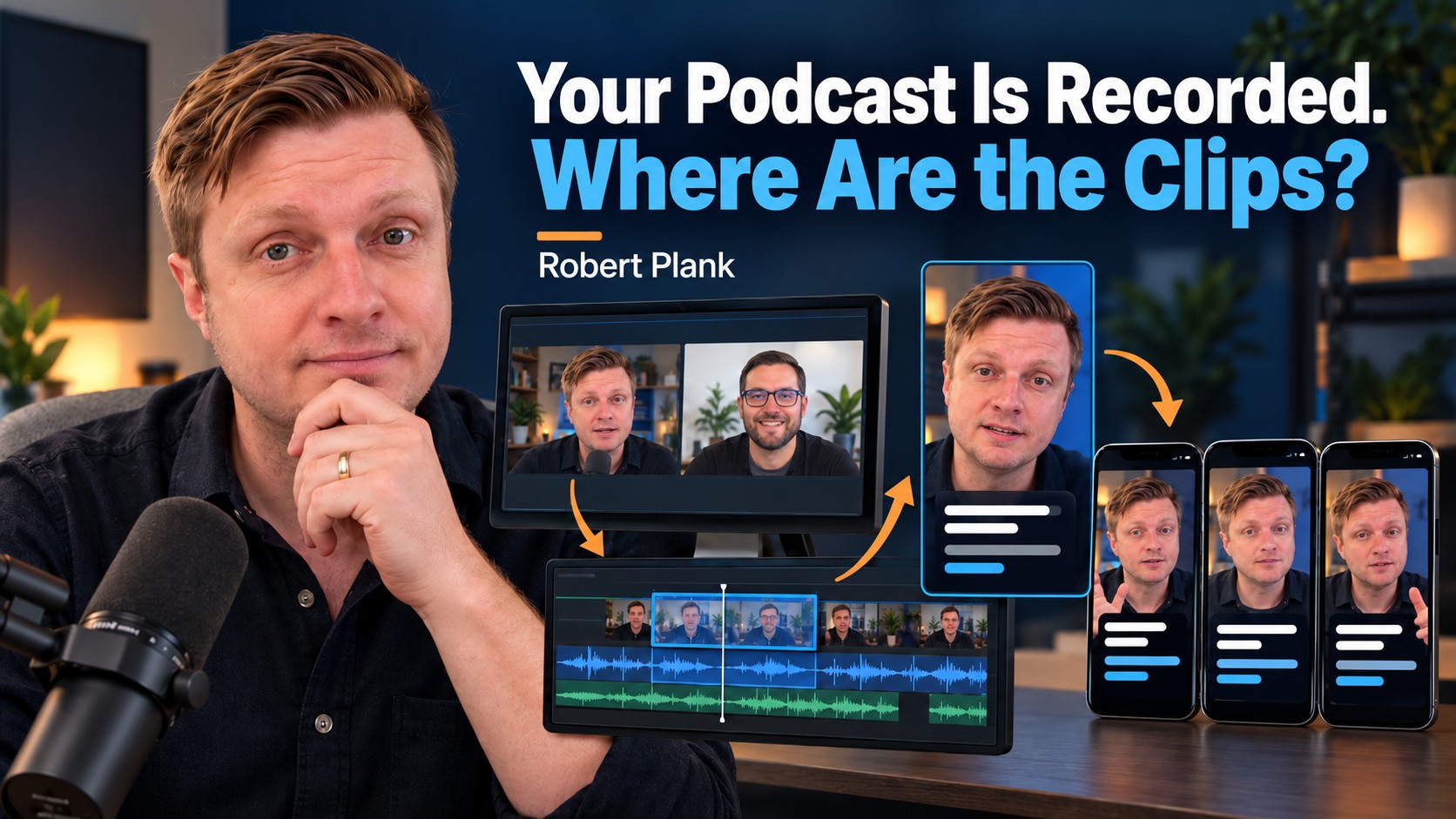
Turn Podcast Interviews Into Social Media Clips People Can Use
One of your guest's most useful answers might be sitting 17 minutes into an interview you've already published. You've shared the episode, but someone who needs that answer today may never work their way through the whole conversation to find it.
That's a good reason to make a podcast clip. Find a complete answer, give it enough context to stand on its own, and make it easy to watch on a phone. You already did the work of having the conversation. Now someone needs to choose the part worth sharing and finish it.
Automatic clipping tools can help with that search. They can also start halfway through a sentence, remove a qualification, or select a dramatic line that doesn't represent the answer. I treat their suggestions as candidates for review.
Choose the Question Before Choosing the Cut
Let's use a fictional interview with a bookkeeper. You discussed receipts, payroll, reports, software, and hiring help. "Business Bookkeeping Tips" describes the territory, but it doesn't tell a busy owner which problem the clip will solve.
"When should you hire your first bookkeeper?" gives you a better selection test. Does the guest actually answer that question? Could someone recognize their own situation and understand what to consider next? You're looking for the answer in the recording, not writing a promise and hoping the interview contains it.
Search the transcript for direct explanations, decisions, mistakes, and examples. Record a candidate's timecode and one sentence describing the question it answers. A note such as "Explains when an owner should hire bookkeeping help" gives the editor a job they can understand.
Then watch the surrounding recording. A transcript won't tell you that the guest is pointing to a screen or answering a question the clipping tool left out. It may also have the wrong name, number, or technical term.
In my Riverside recording tutorial, I review a candidate around 7:41 and adjust framing around 9:20. Those are separate decisions. First decide whether the answer deserves its own video. Then decide how to show it.
You can make future selections easier during the interview. Ask for one example when an answer stays broad, or ask what someone should do differently after the guest describes a mistake. My video on building a talk show instead of relying on solo recordings explains the value of drawing on other people's experiences.
Finish a Clip Someone Can Understand
- 1. Select an answerName the viewer's question and mark the recording.
- 2. Keep its meaningInclude the context and qualifications the answer needs.
- 3. Check the exportReview framing, captions, and audio on a phone.
- 4. Publish and deliverPreview the upload and send the guest usable files.
Keep the Complete Thought
"That's why I always recommend doing it that way" can sound confident without explaining anything to a new viewer. What is "that," and which way are we talking about? The full conversation supplies context that disappears when you remove the previous 20 minutes.
Start close to the useful answer, but keep the question if it makes the answer understandable. A short on-screen label can also establish the topic. "When should you hire a bookkeeper?" identifies the subject. "Every business needs a bookkeeper immediately" makes a different claim.
Keep any condition that changes the recommendation. If the guest's advice applies to businesses without employees, removing that condition could make it sound like payroll doesn't matter. A shorter clip isn't an improvement if it gives someone the wrong instruction.
You can cut repeated phrases, long pauses, and unrelated detours. Give the viewer a recognizable beginning, the explanation, and a completed ending. If the guest promises three steps, don't stop after the second just to make someone click through to the episode.
Let the answer determine the duration. Some moments work in 30 seconds. Others need longer to explain the example properly. Check the destination's current upload requirements before exporting, rather than treating a remembered limit as a rule for every clip.
Watch the finished selection without the rest of the interview. Would a stranger understand the same recommendation the guest made in the original conversation? Flag sensitive edits for the review you've agreed to provide before releasing them.
Check What a Phone Viewer Will See and Hear
A guest can look centered in the first frame and disappear when they lean toward the microphone. A landscape interview with two speakers needs another look when it's cropped into a vertical video. Check the entire excerpt, including gestures and any screen demonstration.
Usually I'd keep attention on the person explaining the answer. Show the host when the question, reaction, or demonstration contributes something. Automatic speaker switching can create unnecessary cuts during every little acknowledgment, so watch what it actually produces.
Captions need a separate review. Check names, amounts, acronyms, product names, and words such as "not," "unless," and "except." A missing qualification can change the advice even when the rest of the text looks polished.
Use readable phrases, useful contrast, and space around the text. Look at an actual phone. The platform's buttons or description may cover text that seemed perfectly placed inside the editor.
I like two review passes: watch with the sound off, then listen without looking at the screen. The first reveals whether the captions and picture explain the idea. The second makes abrupt audio cuts, changes in volume, and distracting music easier to notice.
Keep an approved master file. If another upload needs a different crop or caption position, work from that master rather than downloading a compressed copy from a social account and editing it again.
Adapt the Introduction to the Platform
The underlying answer can stay the same while the accompanying text changes. I'd introduce our fictional bookkeeper's explanation differently depending on the setting. These are sample editorial angles, not statements from an actual guest.
| Setting | Angle I'd try | What stays consistent |
|---|---|---|
| The business decision: which financial work should an owner keep or delegate? | The guest's actual recommendation and its limits. | |
| TikTok | The recognizable situation: receipts still waiting to be sorted on Sunday night. | The complete explanation, without an invented result. |
| YouTube Shorts | A clear subject: "When Should a Business Owner Hire a Bookkeeper?" | A title the answer actually delivers. |
You may not need three separate video edits. You do need to preview each upload. Check the crop, captions, title, accompanying text, and the route to the full interview using the options currently available to that account.
After publishing, look beyond the view count. Did viewers ask a relevant question? Did someone mention the explanation during a business conversation? Did the clip help a person find the full interview? Those responses can tell you more about audience fit than a large total from people who aren't interested in the subject.
Give the Guest a Usable Copy
A finished clip gives you a natural reason to contact the guest again. In the Riverside tutorial, around 18:15, I recommend sharing material while the conversation is still fresh. Sending something promptly feels like continuing the discussion you just had.
I demonstrate a shared-folder approach in my Calendly and Riverside guest-booking tutorial. Give the guest the approved clip, optional suggested wording, and the full episode link when it's published. If it's a preview before release, say so and handle any required approval first.
Check the folder permissions.
There's nothing particularly impressive about sending someone a beautifully edited video they have to request access to three times.
A message can name the answer you selected and explain that the guest is welcome to use the file and change the wording. Sharing should be an option, not a debt they now owe you. Deliver the useful material whether or not they repost it.
Keep One Production Record for the Clip
Keep the candidate timecode, the question it answers, the assigned editor, review status, approved-file location, and publication link connected to the original episode. Add whether the guest received it. That prevents someone from searching through old messages every time they need a file.
The host can choose the useful question and review the meaning. An editor can handle the crop, captions, sound, and exports. Someone can prepare the platform text and guest folder. My editing handoff checklist helps establish the inputs before those jobs start.
Choose one existing interview and finish one complete answer. That gives your team an example of the quality, caption style, review, and delivery you expect. Some interviews will support several clips and others fewer. You don't need to manufacture weak ones to fill a quota.
If those decisions are made but the recordings are still waiting in a folder, visit DFY Podcast's production page. We can discuss the editing and publishing work needed to turn your approved moments into finished clips your audience and guests can actually use.