
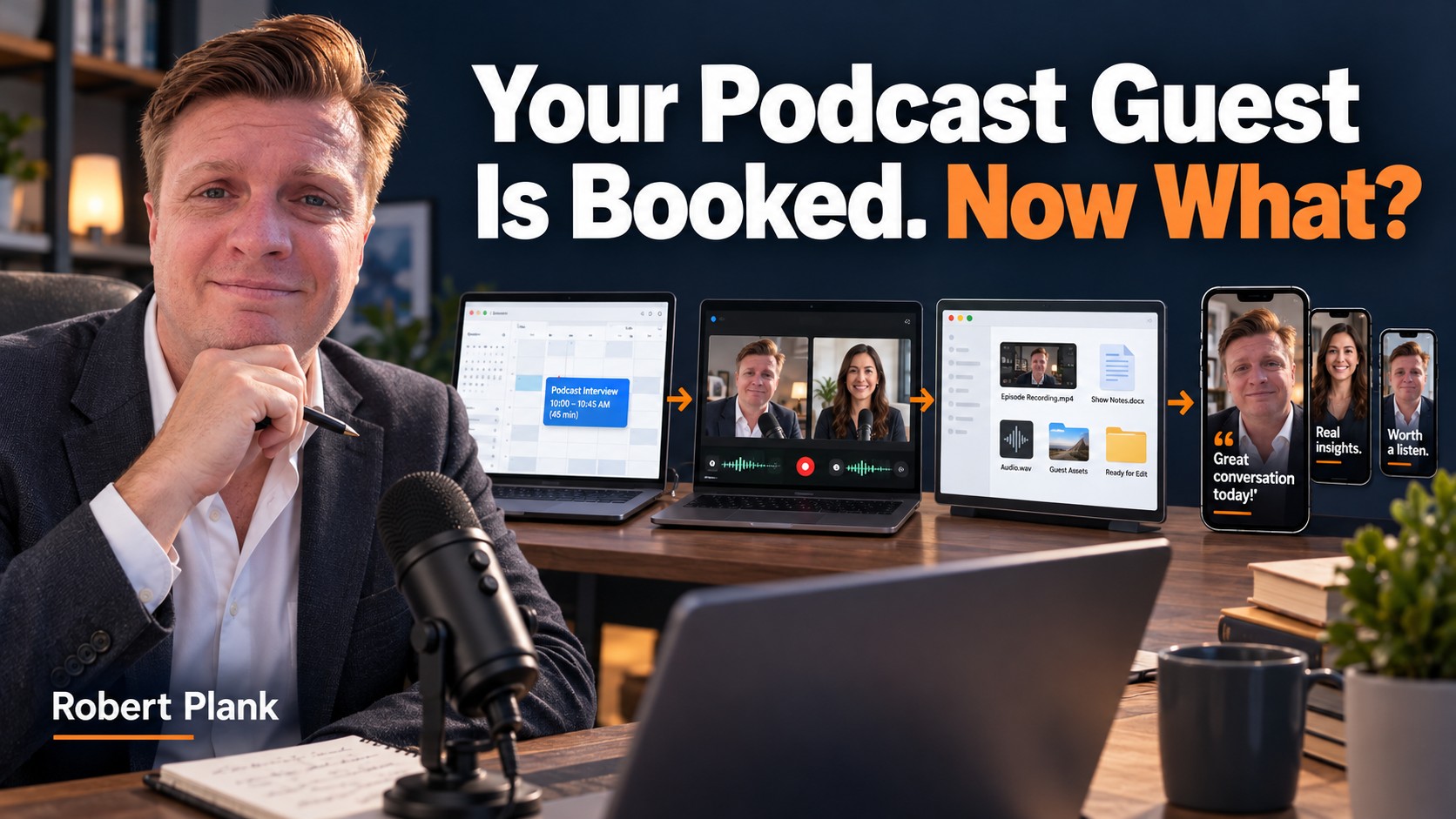
The Podcast Guest Workflow: From Invitation to Published Interview
When I first asked only a couple of questions on my podcast booking form, I sometimes ended up with guests who had no useful biography, very little to discuss, or a habit of standing me up three or four times. An empty slot on the calendar wasn't the only problem. I had spent time preparing for a conversation that never happened.
Now I collect the information before the interview and connect the appointment to the recording room. Afterward, the recording goes into a folder my production team can find. The guest receives the published episode and something useful to share.
I use Calendly, Riverside, and Google Drive for those jobs. You can use other tools, but the handoffs still need to work. Here's how I move a guest from an invitation to a published interview without making every episode a new administrative project.
Give Each Tool a Specific Job
I usually want a 20-minute interview, but I block 45 minutes. That gives us room to introduce ourselves, check the equipment, record, and talk afterward. Everything surrounding the recording needs an owner, too.
The Guest's Path Through an Episode
- 1. InviteChoose a guest with a useful topic for your audience.
- 2. BookCollect preparation details and deliver the recording link.
- 3. RecordCheck devices, have the conversation, and finish uploading.
- 4. ProducePut the correct files and instructions in one shared location.
- 5. DeliverSend the live episode, promotional materials, and a thank-you.
Calendly handles the appointment. Riverside handles the recording and my initial editing. Google Drive holds the files my team needs. None of those tools can decide whether the guest has something interesting to say or whether an edited clip preserves their meaning. Those are still our jobs.
Invite Someone You Have a Reason to Interview
Start with clients, former business partners, vendors, affiliates, and people you've met at events. On LinkedIn, a second-degree connection gives you a possible introduction. You may already know enough people to fill your first 20 interviews.
I want a person who can explain a problem, decision, or experience my listeners will recognize. A large following doesn't make a vague conversation useful. Someone with a small audience and a specific example can be a much better guest.
Your invitation should explain the show, the topic you have in mind, and what participation involves. Once they agree, send one booking link. You shouldn't need six messages to discover that Tuesday doesn't work and neither does Thursday.
Make the Booking Form Help Both of You Prepare
My form covers seven areas: a biography, suggested interview questions, interest in a separate conversation about my services, a meaningful quote, how we met, where they intend to promote the episode, and a physical mailing address.
Those questions serve different purposes. The biography and suggested questions help me prepare. The promotion answer might be as short as "LinkedIn and Facebook." The address gives me the option of sending a card or something we've created together. It belongs in my private contact record, not on the public episode page.
A separate services conversation is optional. Someone can be an interesting guest without becoming a sales prospect. Explain what you're collecting and why, then keep the form short enough that a prepared guest can finish it.
Read the answers before the appointment. If the biography is empty or the proposed topic doesn't fit, follow up while there is still time to fix it. Automating the booking doesn't mean accepting an interview you don't understand.
Set Availability, Buffers, and Useful Reminders
In Calendly, create a dedicated one-on-one event for podcast guests. Set your recording hours, connect the calendar that contains your other commitments, and check which calendars are used to detect conflicts. Add buffers and a minimum booking notice that fit your day.
My demonstrated setup uses a confirmation, reminders 23 hours before the appointment, one hour before, and 10 minutes before, plus a text reminder. That is my setup, not a requirement to send every guest five messages. Choose the reminders your guests need and check the features available in your account.
I prefer 23 hours to 24 for a small reason. If Thursday's interview is at 8 AM, a Wednesday 9 AM reminder is less likely to make someone momentarily think they're already late. The wording should still show the actual date, time, time zone, and recording location.
Calendly's email and text automation guide explains the current setup. Test your own booking before sending the link to guests. Check what arrives in the calendar and in the reminder, rather than assuming your settings produced the message you intended.
Put the Riverside Link in the Appointment
Create your podcast studio in Riverside and copy its guest invitation link. In the Calendly event's location settings, choose a custom location and paste that link. I choose to show the location after booking.
Calendly's location instructions explain how to use a static link for a video service outside its supported integrations. This connects the guest's appointment to the room without custom software or another email you have to remember to send.
Before recording, select the correct microphone and camera, have the guest do the same, and make a short test. Riverside records high-quality participant tracks locally and uploads them. The result still depends on the devices, recording settings, and room. A recording app can't rescue a microphone pointed at the wrong person.
When you stop, have everyone keep the recording window open until their uploads finish. Riverside's host checklist covers the preparation and upload checks. Confirming those tracks now is easier than looking for a missing guest recording tomorrow.
Send a Recording the Production Team Can Use
My initial edit is simple. I trim the microphone checks at the beginning, the extra conversation after the goodbye, and material that doesn't belong in the finished episode. Riverside's transcript editor helps me find those moments through the words.
I also review automated layouts and audio processing. A layout can switch to the wrong person, and noise removal can change the sound in ways I don't want. Preview the export instead of treating a checked box as quality control.
Then the finished video goes into the Episodes folder inside my Marketer of the Day Google Drive folder. Drive for desktop synchronizes it so my team can access it. Uploading a file is only part of a handoff. Give it a recognizable name and tell the team which version to use.
| Handoff | What the next person needs | Check it this way |
|---|---|---|
| Booking to host | Guest details, topic, appointment, and room link | Read the form and open the test invitation. |
| Recording to production | Complete tracks, the intended export, and edit notes | Play the files and identify the working version. |
| Production to publishing | Approved episode, title, description, and guest links | Review the finished package before scheduling. |
| Publishing to guest | Live episode URL and a usable promotional folder | Open both links with the intended access. |
If your editor keeps asking where the file is or which sentence to remove, improve the handoff before adding another tool. My podcast editing handoff checklist goes further into those instructions.
Finish With the Guest, Not Just the Upload
At DFY Podcast, we create a shared promotional folder for each guest. It can contain a captioned clip, quote graphics, and prepared social copy. The point is to give the person something they can use without downloading and editing a full interview themselves.
Send the live episode link, explain what's in the folder, and thank them. Check that the sharing permissions work. A guest who sees "Request access" hasn't received a usable package.
What you can control is whether the guest receives a finished episode, useful promotional materials, and a reason to stay in touch.
Some guests will share and others won't. Set a reminder to reconnect in 90 days if you have a useful reason: a relevant conversation, something they're working on, or another opportunity to collaborate. The reminder is there to help you remember the person, not to keep demanding promotion.
Test One Complete Guest Cycle
Try this for one month. Invite a few people you know, run them through your booking form, and record the conversations. Follow at least one episode all the way through publication and guest notification. Note every place someone had to chase a link, a file, or an answer.
That's the completion test. A calendar full of interviews is useful, but the workflow is working when a guest can book, arrive in the right room, record, and receive the published result.
If the recording part works and the files keep piling up afterward, see how DFY Podcast handles production and publishing. We can take on the editing and promotional materials so your next interview moves through a defined process instead of becoming another folder you'll get to later.