
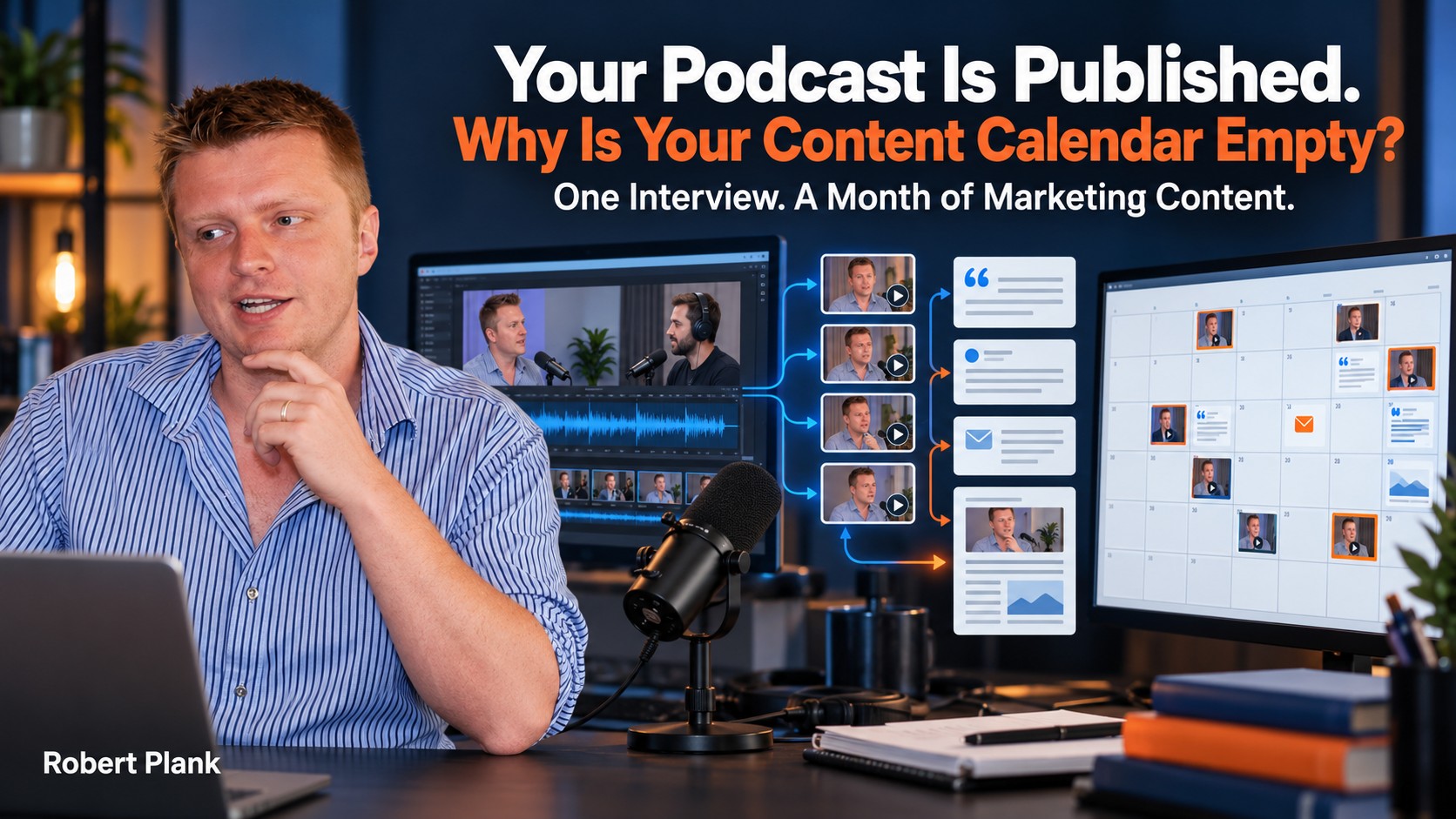
Turn One Podcast Episode Into a Month of Marketing Content
Vance Morris told me he'd spent months trying to get a meeting with a car dealership for his carpet cleaning business. He mailed them a steering wheel, then a turn signal, then the end of a muffler. About a week after the last mailing, they called: "If I promise to have a meeting with you, will you stop sending me car parts?" I'd keep the car parts and that phone call in a clip. A written post could walk through his three attempts and what happened after each one.
That choice comes before filling thirty boxes on a calendar. Decide what each version helps your audience understand. Then plan a realistic month from the material the interview actually contains, instead of asking an AI tool to manufacture enough posts to fill the gaps.
- 1. Choose the audience problemIdentify who needs the explanation and where they are likely to encounter it.
- 2. Mark the source momentsKeep the speaker, timestamp, context, and qualifications with each selection.
- 3. Give each format a jobUse clips, quotes, posts, an email, or an article to explain distinct parts of the idea.
- 4. Publish and pay attentionSpace approved assets across the month, respond, and retain the pieces that remain useful.
Find What Is Worth Another Appearance
The first decision is figuring out which problem your recording actually helps somebody solve. Before cutting a video clip or asking ChatGPT to write social posts, I want to know who would benefit from hearing this conversation and which parts would make a difference to them.
Suppose the guest describes a situation where a client expected work to begin immediately, but the consultant was still waiting for essential information. That gives you a recognizable problem. If the guest then explains the questions they ask before accepting a project, you've got a useful process. Those two moments could become separate pieces of content, provided each makes sense outside the original conversation.
Not every interesting moment deserves its own post. A guest might tell a great story about their first job, an unusual customer, or something embarrassing that happened at a conference. It could be entertaining inside the interview without helping the audience you're trying to reach. You can leave it in the full episode without turning it into another graphic.
I recommend keeping a simple source ledger as you review the recording. Record the timestamp, who was speaking, what problem the passage addresses, and any context that needs to stay attached. If the guest says a particular approach worked in one situation, make sure your shorter version doesn't present it as something guaranteed to work everywhere.
This becomes especially important when you hand the material to an editor or use AI to help identify promising passages. Someone who wasn't in the conversation needs a way to find the original explanation and verify what was said. Otherwise, a perfectly reasonable example can become an exaggerated marketing claim somewhere between the transcript and the finished LinkedIn post.
Vance's original interview is a source you can check. The proposed clip and written post are editorial choices in this article. They are not claims that we already produced those assets or that mailing car parts is the right tactic for every business.
Choose the Channels Before the Deliverables
I've mentioned in my podcast appearances that I personally prioritize YouTube and LinkedIn. As I explained during my conversation with Junaid Ahmed, that's where I spend time and where my audience spends time.
If you run a local service company and your customers engage with you on Facebook, that may deserve more attention. If you have an email list of customers and referral partners who already know you, a useful message to those subscribers could accomplish more than another short video posted somewhere nobody follows you.
I'd choose one or two primary channels before deciding how many clips, graphics, and posts to produce. That decision affects the format, length, and presentation of the assets. A short captioned video can work differently from a written explanation, and an email gives you room to speak directly to subscribers who have already expressed interest.
You can always distribute more widely later. But if you're producing content for six platforms before you've figured out whether the ideas are useful on two, you've created a lot of additional work.
I discuss this approach in my Hacks & Hobbies conversation with Junaid Ahmed. Use the places where your audience already pays attention. You can add destinations after you have a repeatable process for the first one or two.
Build an Inventory From Complete Ideas
During my second appearance with Junaid Ahmed on Hacks & Hobbies, I talked about finding three to five strong moments in a longer interview and turning them into short videos with captions. You might have a thirty-second explanation that stands on its own or a sixty-second answer that gives somebody a practical takeaway. Select a complete idea rather than cutting a random segment simply because it fits a particular length.
Each clip should give viewers something useful even if they never watch the full episode. That means including enough context to understand the question and keeping the answer intact. If the guest says a process worked for one particular type of client, don't edit away that qualification and make it sound universal.
For quote graphics, use the actual spoken wording. AI tools sometimes clean up spoken language so aggressively that the result sounds more polished but no longer matches the recording. If you rewrite the idea, present it as a paraphrase instead of putting quotation marks around words nobody said.
Here is a proposed inventory for a substantial interview. It is a planning example, not a promise that every episode contains fifteen assets worth publishing.
| Asset | Proposed count | Job |
|---|---|---|
| Short clips, C1-C4 | 4 | Explain a problem, process, example, or objection with enough context. |
| Quote graphics, Q1-Q4 | 4 | Preserve actual wording, speaker credit, and meaning. |
| Written posts, P1-P5 | 5 | Develop distinct decisions or questions from the conversation. |
| Email, E1 | 1 | Give subscribers a useful reason to hear the full episode. |
| Website article, B1 | 1 | Organize the strongest explanations around the reader's problem. |
Those posts should have different purposes. One could explain a mistake from the interview. Another could walk through a specific decision. A third could address an objection, while the remaining two could offer a practical question and an example worth considering.
It's a proposed inventory, not a required output. If the interview only contains two worthwhile clips, use two. There's no benefit in stretching a guest's answer into five different videos that all say essentially the same thing.
You also don't need fifteen separate messages. The same idea can work as a video, a written explanation, and an email because audiences encounter information in different ways. What matters is that each version preserves the original meaning and makes sense in its format.
Before scheduling anything, I'd check the captions, names, quotations, and links against the recording. That's especially important for guest examples involving customers, financial results, or situations where the details have been anonymized.
Give AI Material to Reduce
One of the easiest ways to get disappointing results from ChatGPT is to give it almost nothing and ask it to create something substantial. You type one sentence about your podcast episode, request a thousand-word article, and get something that sounds professional but doesn't contain much of what actually happened in the conversation.
I've had much better luck going in the opposite direction. Give AI a substantial amount of material you've already created, then ask it to identify the strongest parts.
During my summit conversation with Tracy Repchuk, I described this as a "garbage in, garbage out situation." If you spend five, ten, or twenty minutes explaining something, you might have thousands of words of actual experience, examples, and opinions in the transcript. That's much more useful than a sentence asking AI to write something interesting about your industry.
Ask for selections you can verify. A working prompt could be:
Review this transcript for five distinct ideas useful to [audience]. For each, identify the speaker, timestamp, surrounding context, and why it could work as a clip or written post. Separate exact quotes from paraphrases. Do not add facts, examples, results, or dialogue. Flag claims that need clarification before publication.
Once AI gives you the selections, go back to the recording and check them. If it identifies a good moment at twelve minutes and thirty seconds, listen to what happened before and after that answer. Sometimes the sentence that looks terrific in isolation was actually a joke, a hypothetical situation, or an answer with an important qualification.
You also need to watch speaker attribution. A transcript might confuse the host and guest, particularly when they interrupt each other or finish each other's sentences. You don't want to put a statement on a graphic with your guest's name underneath when you were the person who said it.
I want the production workflow to catch those differences before anything gets published. The editor should check where the clip begins and ends, whether the captions match the audio, whether the names are correct, and whether the graphics fit the business. Someone also needs to confirm that the published links work and the accompanying text doesn't promise more than the speaker explained.
If you're handling everything yourself, the same distinction applies. Let the tools handle transcription, rough selections, formatting, and first drafts. Spend your review time on whether the content is accurate, useful, and appropriate for your audience.
Select a complete idea rather than cutting a random segment simply because it fits a particular length.
Spread the Material Across Thirty Days
I wouldn't publish everything in three days just to clear the production queue. Someone who sees your first clip on LinkedIn might miss the second one entirely. An email subscriber might never see either video, while a reader searching for advice could discover the article several weeks later.
This example calendar uses the proposed fifteen-asset inventory. Reuse and review days are part of the work. They do not require a new asset every day.
| Days | New assets | Other work |
|---|---|---|
| 1-7 | Full episode, C1, Q1, E1, P1 | Announce the main problem, deliver approved guest assets, and respond. |
| 8-14 | C2, Q2, P2, B1 | Share the article with another relevant introduction and collect questions. |
| 15-21 | C3, Q3, P3, P4 | Revisit C1 where useful and note actual audience responses. |
| 22-28 | C4, Q4, P5 | Reuse an appropriate clip or article, share a guest summary, and check links. |
| 29-30 | No required new asset | Review responses, retain evergreen material, and choose a future question. |
Notice that some days don't involve creating or publishing anything new. You're answering comments, checking what worked, or giving your guest material they can use. Those activities belong on the calendar, too.
During my appearance with Junaid Ahmed, I talked about putting useful content directly on social platforms instead of making every post a link that sends people somewhere else. If you have a forty-five-second clip explaining an onboarding mistake, publish the clip where your audience can watch it. Give them something useful before asking them to open the full episode.
I'd also give the guest a small package of approved material: a couple of clips, accurate quote graphics, a suggested caption, and the live episode link. They can share whatever fits their audience, or nothing at all. In my conversation with Tracy, I described how the same interview could become part of both participants' content libraries and remain useful weeks or months later.
Repetition should have a reason. When you share the same clip again on day seventeen, introduce a different legitimate aspect of the discussion. Don't pretend it's new, change what the guest meant, or publish it again merely because the calendar has an empty square.
You can also scale this schedule down. If two or three posts per week fit your audience and production capacity, use those. A month of marketing activity doesn't have to mean publishing every day.
Keep the Assets That Helped Somebody
Start with the responses. Did somebody ask a relevant question under one of your LinkedIn clips? Did an email subscriber reply with a problem they're dealing with? Did anyone follow a link to the complete interview or mention something from the episode during a business conversation?
Those details tell me which parts of the recording gave people something worth responding to. A video might get plenty of views without producing a single useful conversation. Another clip might receive less attention but prompt somebody to describe a specific problem that you could address in a future episode.
A good explanation about client onboarding might remain useful six months from now. You could share it again when a customer asks a related question or when a new episode expands on the subject. A temporary promotion, outdated statistic, or time-sensitive offer needs another review before it goes back into circulation.
Keep the approved video files, captions, graphics, written posts, and original source timestamps together. Use filenames that tell you which episode and topic each asset belongs to. If somebody asks where a particular quote came from, you should be able to find it without searching through an entire recording again.
Tell your editor which audience you want to reach and which claims need approval. Give them the source ledger along with the recording. Our handoff checklist can help you keep source files and instructions together.
The next time you're looking at an empty content calendar, choose one recording that's already published. Find the problem it addresses, listen for the strongest answers, and mark a few timestamps. Start with one clip and one written post if that's what you can reasonably produce. You can build the rest of the inventory as you see what works.
Give the Recording a Production Plan
If you want the conversation turned into edited episodes and supporting content without personally preparing every file, review DFY Podcast's production process and plans. Bring a sample recording, the channels you use, and the assets you want. We can discuss the scope and review process before another month of content depends on finding time to do it all yourself.