
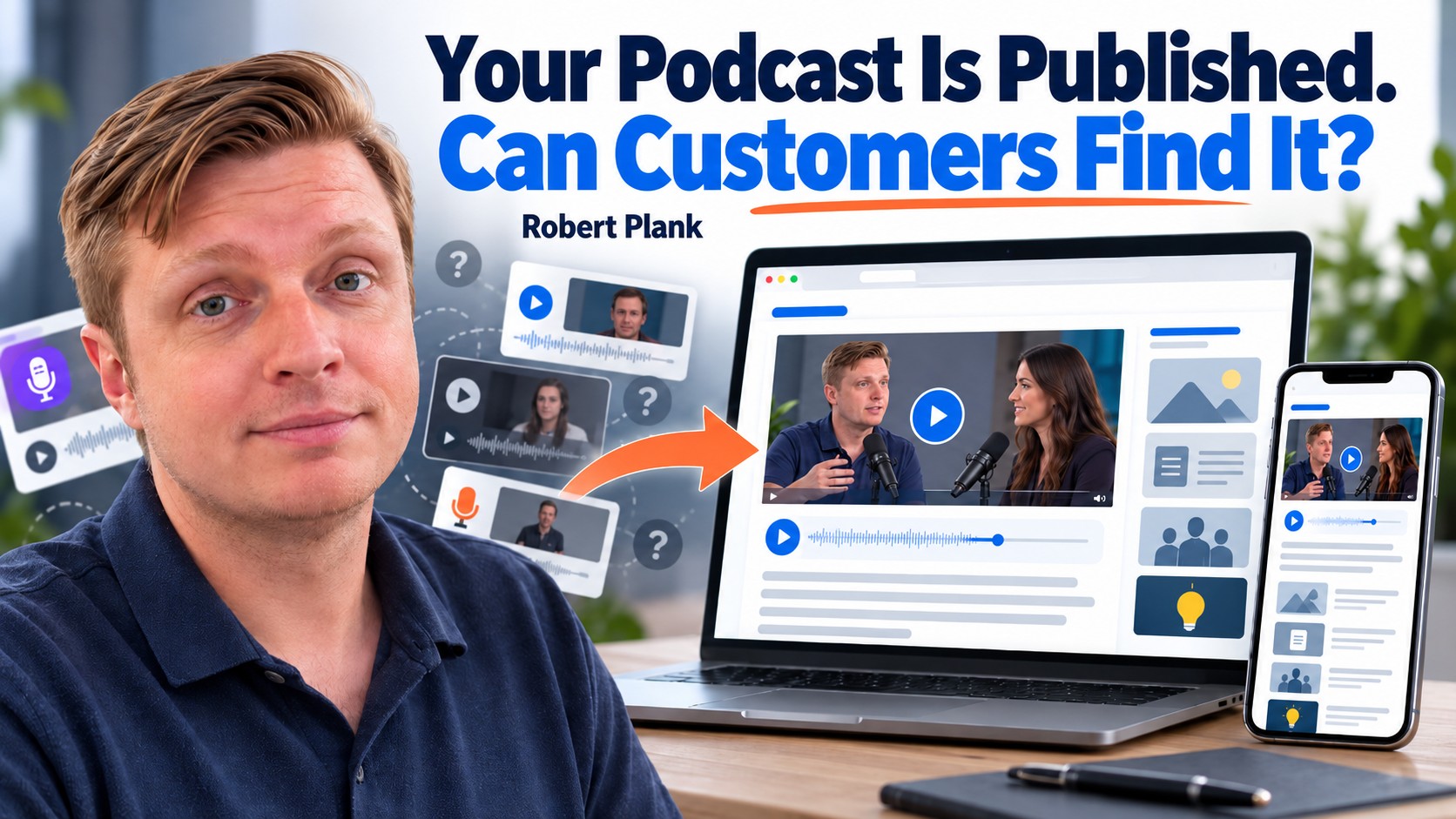
Give Every Podcast Episode a Home on Your Website
Suppose you're a real estate agent, and a buyer asks, "What should I expect during a home inspection?" You've already interviewed a home inspector about that. The buyer is on the phone now, and you're scrolling through old uploads, trying to remember which interview covered it. Sending them your whole YouTube channel with "It's in there somewhere" gives them another job when they came to you for help.
Now give that interview a page called "What to Expect During a Home Inspection." Put the recording there, add a short summary of the questions the inspector answered, and mark where the relevant discussion begins. When the buyer asks, send that page with a note explaining where to start. They can read the overview, jump into the answer, or listen to the whole interview. You have one useful link ready for the next buyer who asks the same thing.
I'd still publish on YouTube, Spotify, and Apple Podcasts. That's where people already watch and listen. Your website page does a different job: it puts the answer alongside the rest of your business, with related information and a sensible way to ask you a follow-up question.
Give Each Interview One Address You Can Keep Using
Make the podcast easy to find on your website. A Podcast link in the main navigation can lead to a page explaining who the show helps, what you discuss, and where visitors can browse the conversations. Feature a few useful episodes and include subscription links.
Then give every interview its own page. A real estate agent might have a home-inspection conversation to send a first-time buyer. A roofing company could share an interview about planning solar panels before a roof replacement. A business consultant could point a growing founder to a conversation about delegating customer support.
Those are examples, but each has a distinct customer question and a specific link to send. The website page can hold an embedded YouTube video, so you don't have to upload another giant video file just to give the interview a home.
Use that episode address in guest emails, newsletters, social posts, and replies to prospects. The page can offer the other listening options. If you later change podcast hosts or need to replace a broken player, repair the page while keeping its address. If an episode must move, arrange a redirect from the old address.
Keep a simple inventory with the guest, topic, publication date, website URL, video URL, and audio URL. That's enough to stop your team from guessing which of three similar interviews you meant. Record the address after the page is actually live.
Turn One Recording Into an Answer You Can Send
- 1. Choose the customer questionFind an approved interview that answers it.
- 2. Build the episode pageAdd the recording, an overview, checked timestamps, and useful links.
- 3. Check the public pagePlay the correct media and test the page on a phone.
- 4. Send the answerShare the permanent link with a personal note and record it in the inventory.
Use the Customer's Question to Organize the Page
In my video on podcasting for real estate professionals, I talk about starting with the questions customers repeatedly ask. Those questions also give you a practical way to organize your episode pages. Someone should be able to recognize the subject without knowing your show or remembering an episode number.
The home-inspection page could sit beside a first-time buying guide and a conversation about financing. A visitor can answer the immediate question, then follow a related question without starting another search through your archive.
The same idea can extend beyond your own service. In my video on creating a talk show for your business, I discuss a roofing contractor interviewing landscapers, solar installers, and other professionals whose work overlaps with homeowners' needs. The subjects belong together because the customer may need several kinds of help.
Once the archive grows, create useful topic collections. Hiring, for example, could bring together conversations on writing a job description, screening applicants, and training a new employee. Visitors shouldn't have to scroll through years of unrelated release dates to find them.
Choose the Right Page for the Job
An episode page and a separate written article can both be useful, but they need different jobs. The episode page introduces one recording. A written guide develops an answer someone can use without watching the conversation.
| Destination | Its main job | What belongs there |
|---|---|---|
| YouTube or a podcast app | Let people watch or listen where they already spend time. | The recording and platform-specific description. |
| Website episode page | Give one conversation a permanent, useful address. | Players, a clear overview, timestamps, guest information, and resources. |
| Written guide | Answer a question without requiring the recording. | Developed explanations, examples, steps, and checked details. |
| Topic collection | Help visitors find related answers across the archive. | Selected episode pages and guides grouped by the customer's problem. |
Don't create three nearly identical pages just because a transcript makes it easy. If you're publishing a separate article, put editorial work into it. Explain the steps, add useful context, or address a question the interview didn't fully answer. Then link it to the original conversation.
Your website can also show the next step appropriate to that subject. A related answer may be enough for an educational interview. A service page may fit a conversation closely connected to the work you do. The visitor should understand why you're pointing them there.
Build a Page Someone Can Actually Use
Start with a title that identifies the subject, the guest's full name, and a short introduction. Put the recording where visitors can find it without first reading the guest's entire career history. Someone arriving through an email should quickly recognize the conversation you promised.
YouTube provides official embedding instructions. An audio player can provide a listening option when your podcast host supports it. Label the players clearly and include a normal link to the recording as a fallback.
Leave autoplay off.
Nobody needs a 45-minute interview suddenly blasting through their speakers because they opened a page to read something.
Below the players, include an overview and specific takeaways. Add timestamps when they help someone reach the answer, and check them against the finished edit. If you publish a transcript, review the names, technical terms, speaker changes, and paragraphs before putting it on the page.
Link the resources the guest actually mentioned. Give related articles a place where they help the visitor continue, rather than adding a long list of loosely connected pages. For the audio side, see my guide to publishing an audio podcast.
A video embed doesn't guarantee video search visibility. Google's video SEO documentation explains discovery and indexing requirements. Build a useful page for the person who needs the answer first, then check the technical search requirements for the site.
Give Publishing and Maintenance an Owner
The person building the page needs the approved media links, title, guest details, supporting copy, images, resources, and publication date. Any correction or exclusion needs to travel with those files. My podcast editing handoff checklist helps organize that package.
Templates save time, but they can preserve last week's mistakes, too. Imagine copying an old episode page, changing the title and video, and forgetting the audio player. The new guest shares it, and their audience hears a different interview. That's why I want someone checking the actual recording, not just the text above the player.
Use one final acceptance check:
- Open the public page while logged out and confirm the intended title, guest, and date.
- Play the video and audio. Make sure both belong to this conversation.
- Test the timestamps, resource links, and next-step link.
- Check phone layout, readable text, and usable players.
- Confirm the page appears in the podcast archive, then save its permanent URL in the inventory.
You can build and approve the page yourself. With a team, identify who assembles it and who checks it. Otherwise, several people can look at the same page while each assumes someone else tested the audio.
Maintenance needs an owner as well. A guest's site can change or a resource can disappear. Decide who handles those problems when they're found. Repeated customer questions and visits to older episodes can also show you which subjects deserve a better position in the archive or another conversation.
Put the Next Answer in Front of a Warm Prospect
Start with a question a prospect has already asked. Choose the interview that answers it, give it a page, and use the customer's wording in the title or introduction. Send the link with a note explaining where the answer begins. After they've had time to look, ask whether it answered the question or left something to discuss.
Search may bring new people to your archive, but you can deliberately put an existing answer in front of someone who's already considering working with you. You don't have to wait for the right person to discover an old upload.
If your interviews are scattered across YouTube and podcast accounts, visit Done For You Podcasting's production page. We can look at where the recordings live, what supporting content they need, and how to make publishing the next useful episode page a repeatable part of your business.